
Made for teacher-led instruction, not generic meeting transcription.
Live classroom captions
Make spoken lessons easier to follow and revisit.
Live captions in class. Saved transcript after class.
No student accounts
Join with class code
Live captions during class
Saved transcript after class
School review materials available
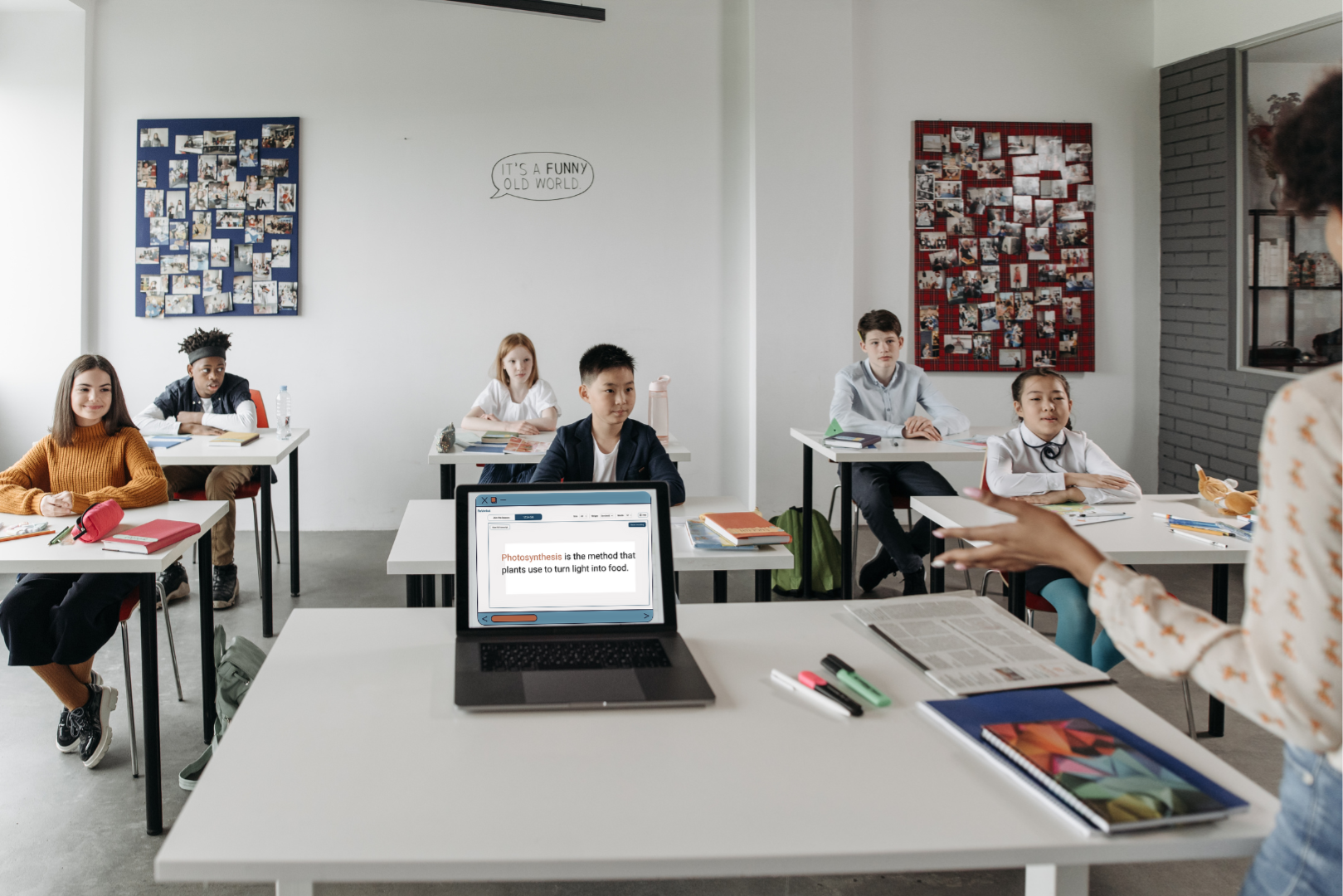
Use a shared display, student devices, or both while the lesson keeps moving.
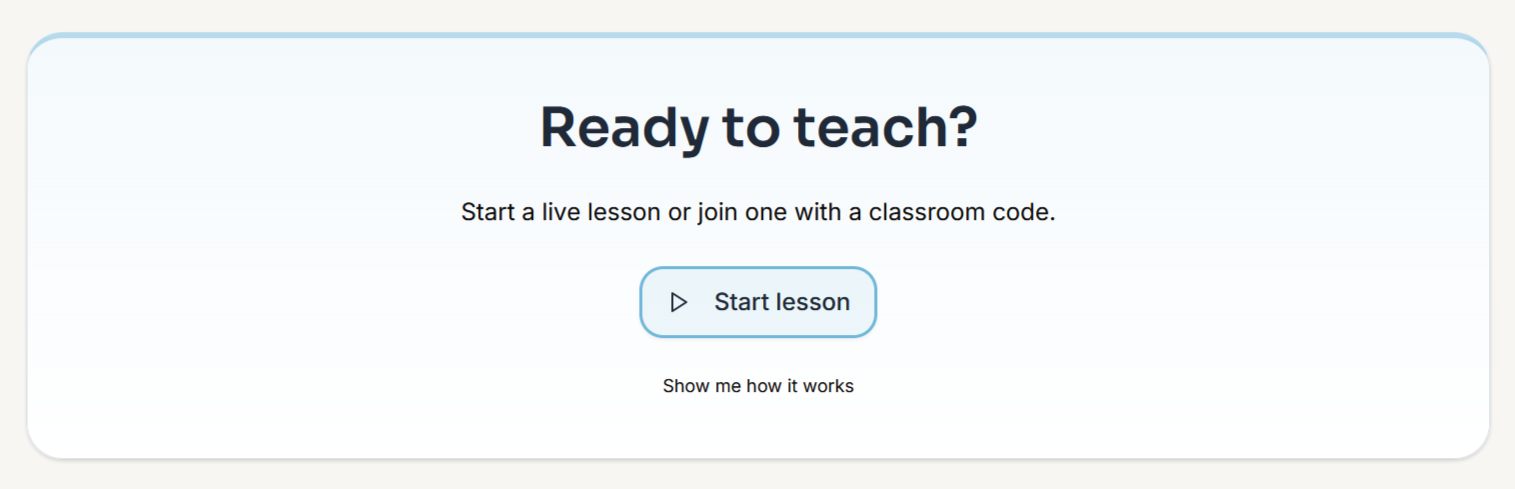
Keep setup short and share access in a few clicks.
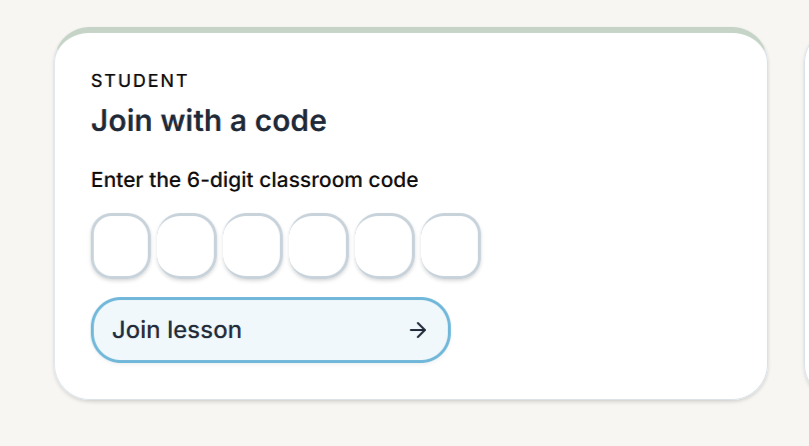
No student sign-in flow to manage before class.
Quick look
See ReVerbal in a real lesson.
Watch how a teacher sets up live captions and students follow along in under two minutes.
Students join with a simple class code on their own device.
Audio is processed for transcription and not stored by ReVerbal.
Start with one teacher, one class, and one review checkpoint.
Students can read key teaching language as it happens.
Live lesson captions
Keep students with the lesson while you teach.
ReVerbal makes spoken teaching visible in real time so students can keep up without changing how you already teach.
Live captions
Six-digit join code
Display or device access
Reading-first student view
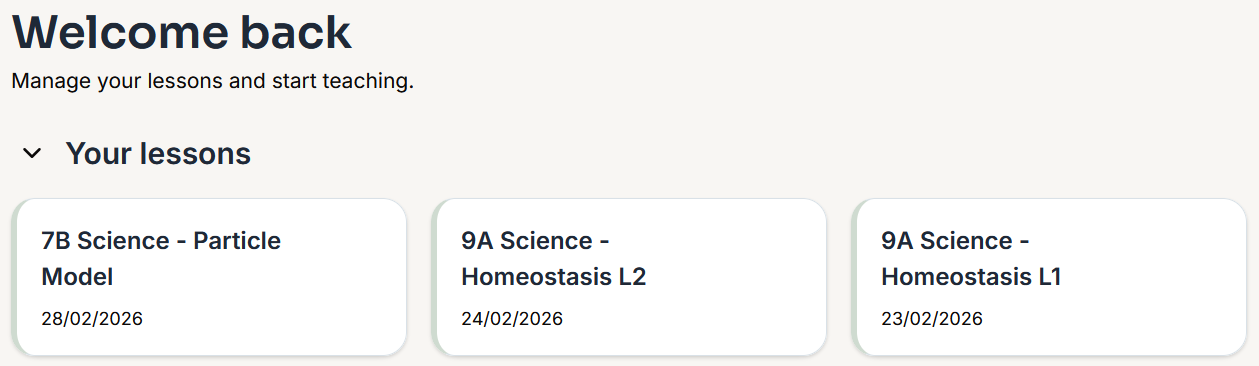
Students and teachers have a way back after the room moves on.
Saved lesson transcripts
Revisit the lesson after class.
The transcript stays available after class for catch-up, revision, and checking wording that was easy to miss in the moment.
Saved transcript
Catch-up support
Revision-ready
After-class access
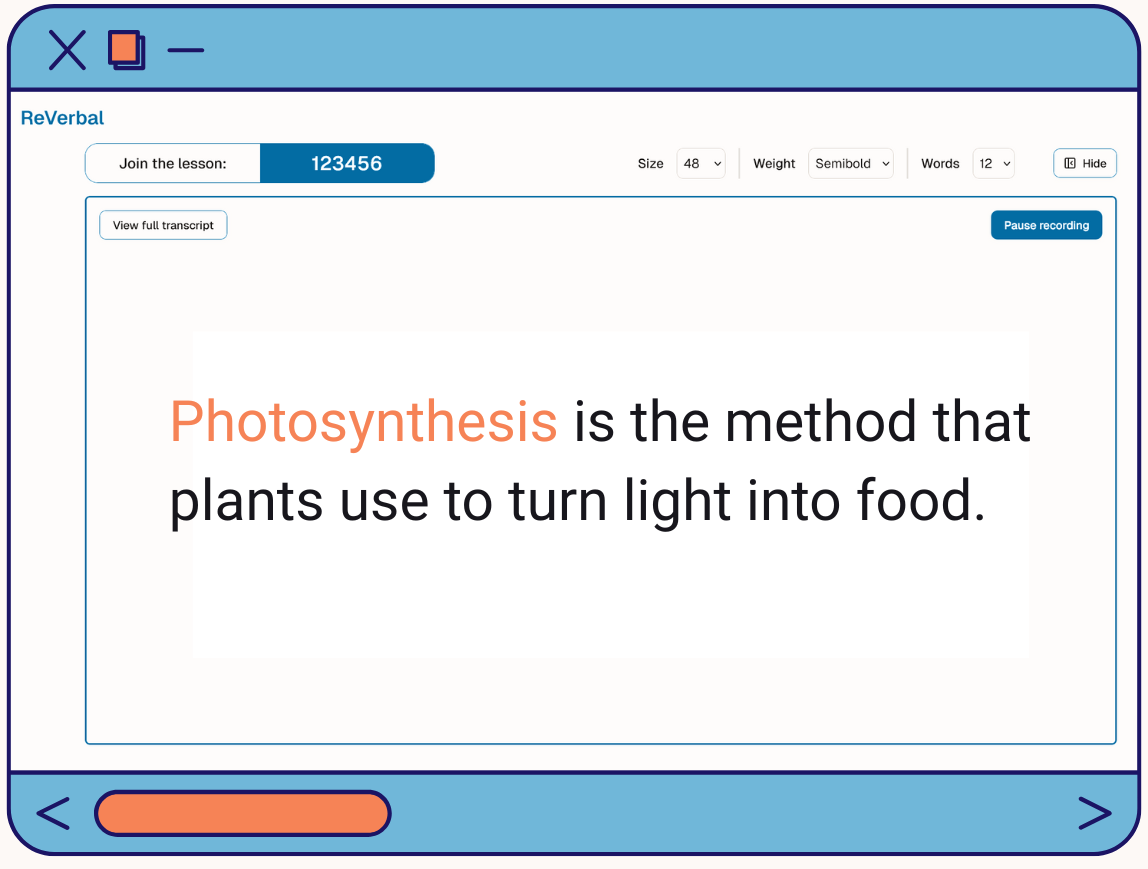
Students can use define and translate support without leaving the lesson view.
Word support and comprehension
Support understanding while students follow.
Click to define or translate key words as they appear. This is especially helpful in vocabulary-heavy lessons, EAL/D settings, and language-rich subjects.
Tap to define
Tap to translate
Vocabulary support
EAL/D friendly
Practical classroom fit
Low-friction support for real classroom delivery.
Keep the access path simple for teachers and students, then let the live captions and saved transcript do the work.
Start without creating student logins.
Students join the live lesson with a class code, which keeps the first pilot much easier to run.
Match the room you already have.
Use a classroom display, student devices, or both depending on how the lesson is usually delivered.
Fast access in the room
A six-digit code keeps the join flow obvious for students.
Better follow-up later
Saved transcripts help students catch up after absence or a missed explanation.
Fits normal instruction
ReVerbal is designed to support spoken teaching without adding enterprise theatre.
Teacher pilot path
Start with one class.
Week 1 setup check: confirm the teacher device, internet, and microphone.
Week 2 run one lesson: share the class code and teach as normal.
Review whether it helped: check usefulness, caption clarity, and whether to keep going.
School review
Keep review simple before rollout.
Capture scope: teacher-led classroom instruction only.
Storage posture: audio is not stored by ReVerbal.
Published documents: privacy, DPA, data locations, AI transparency, and subprocessors.
Quick answers
Common questions before a school trial.
Do students need accounts?
No. Students join with a class code.
How do students join the lesson?
Teachers share a six-digit classroom code for live access.
Is audio stored?
No. Audio is processed for transcription and not stored by ReVerbal.
Can we start with one teacher?
Yes. The recommended path is one teacher, one class, then a review checkpoint.
What can school leaders review?
Privacy, DPA, data locations, AI transparency, subprocessors, and the school privacy brief.
What classes does ReVerbal support best?
Classes where spoken instruction is easy to miss, especially EAL/D, support contexts, and instruction-dense lessons.
Choose the next step
Pick the path that matches your role.
For teachers
Run one normal lesson, check the caption quality, and see whether live visibility helps students keep pace.
For school leaders
Review the plain-English brief first, then move into the policy documents if the pilot looks like a fit.