How it works

Start the lesson, teach as normal, and keep a transcript after class.

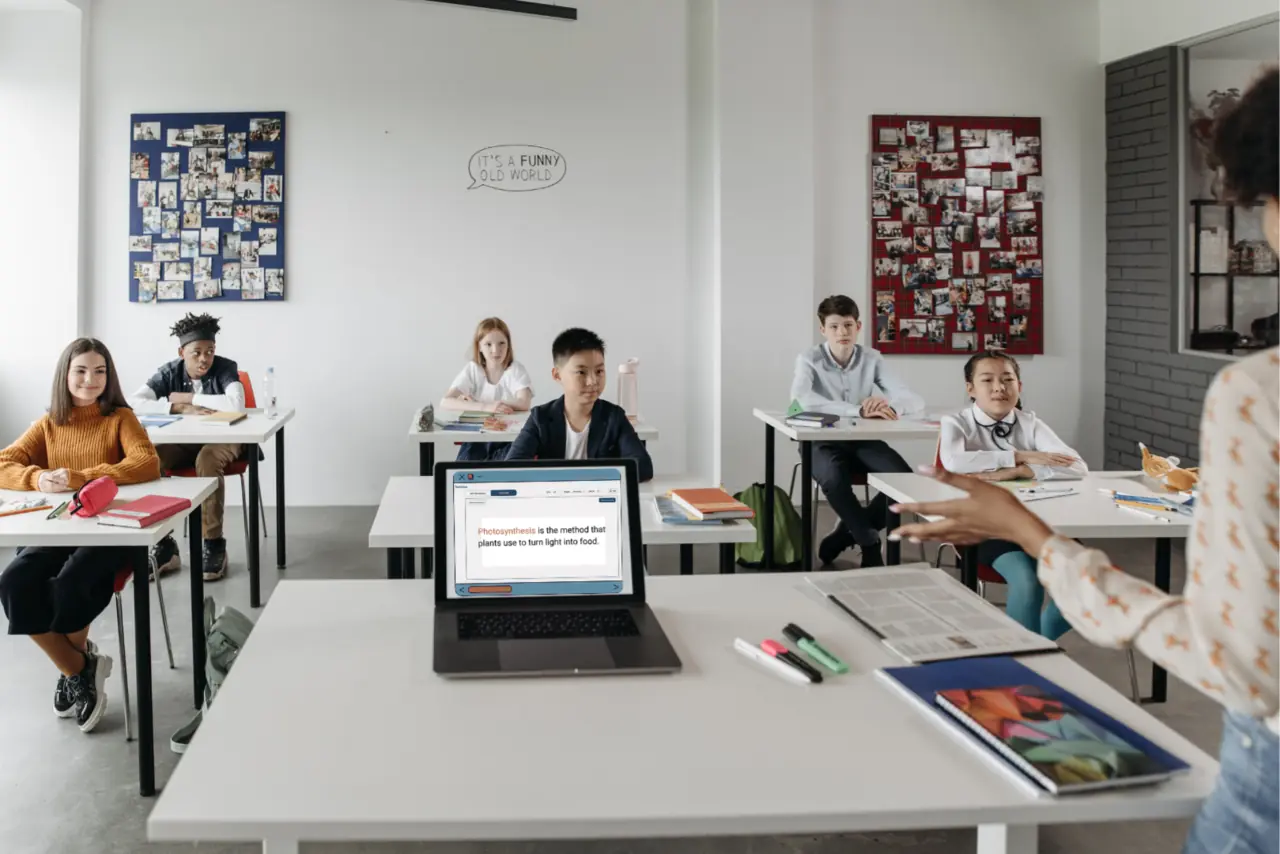
Teacher starts the lesson. Students join with a code. Captions appear live. The transcript stays available later.

Three-step workflow

One clear path from teacher speech to student access.

Teacher starting a ReVerbal lesson
1

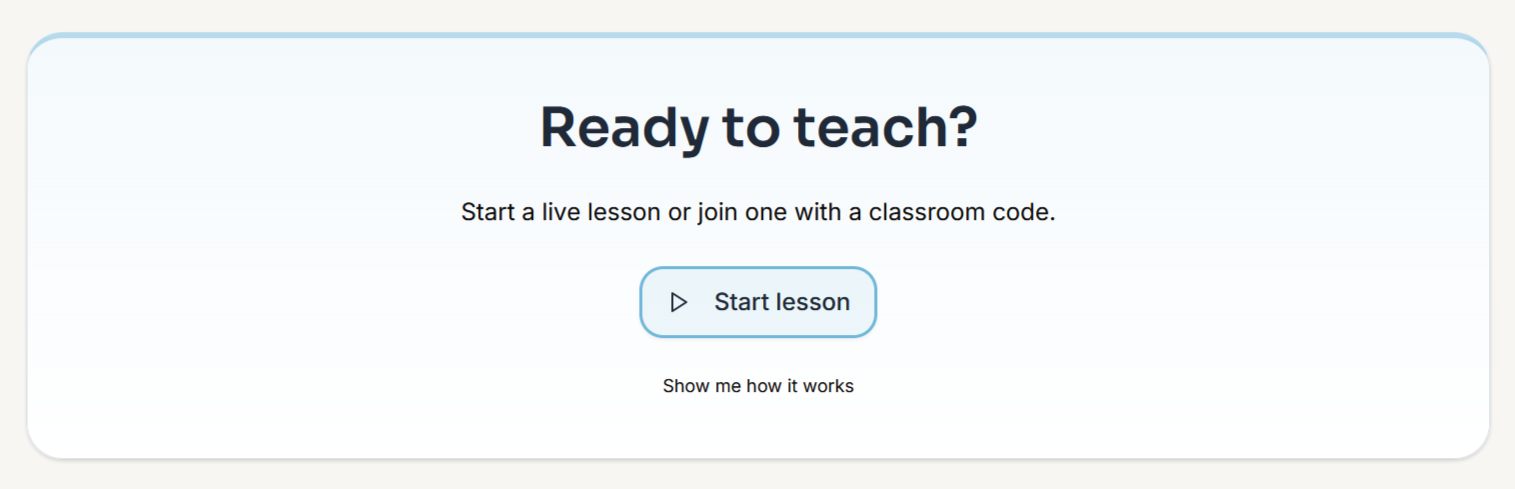
Teacher starts the lesson

Launch the session, share the class code, and keep the setup flow short.
Student entering a ReVerbal classroom code
2

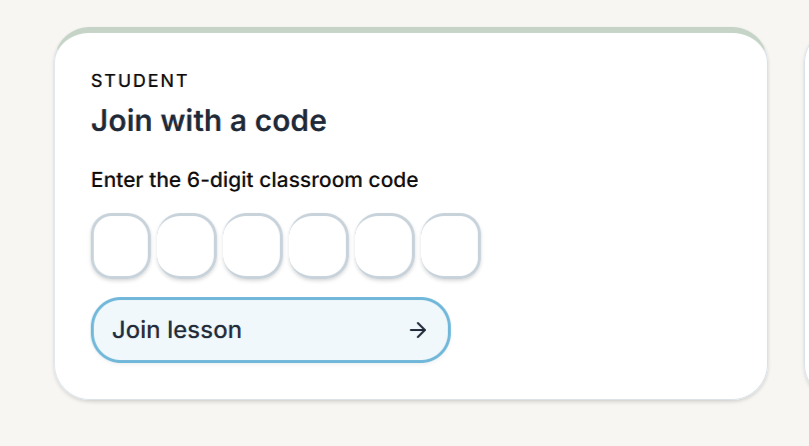
Students follow live

Students join with the code and read captions on a shared display, their own device, or both.
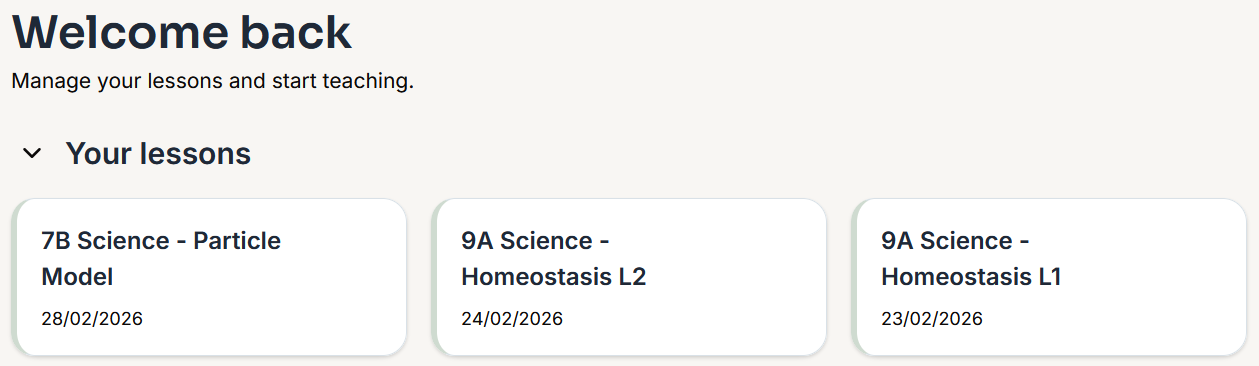
Saved ReVerbal lessons listed after class
3

Review stays possible

The transcript remains available after class for catch-up, revision, and checking wording.

Teacher view

Controls stay on the teacher side.

ReVerbal teacher start screen
Session controls: start the lesson and keep the room moving.
Room code sharing: give students one simple access path.
Low-friction setup: designed for real classroom delivery.

Student view

Reading support stays on the student side.

Student facing classroom view of ReVerbal
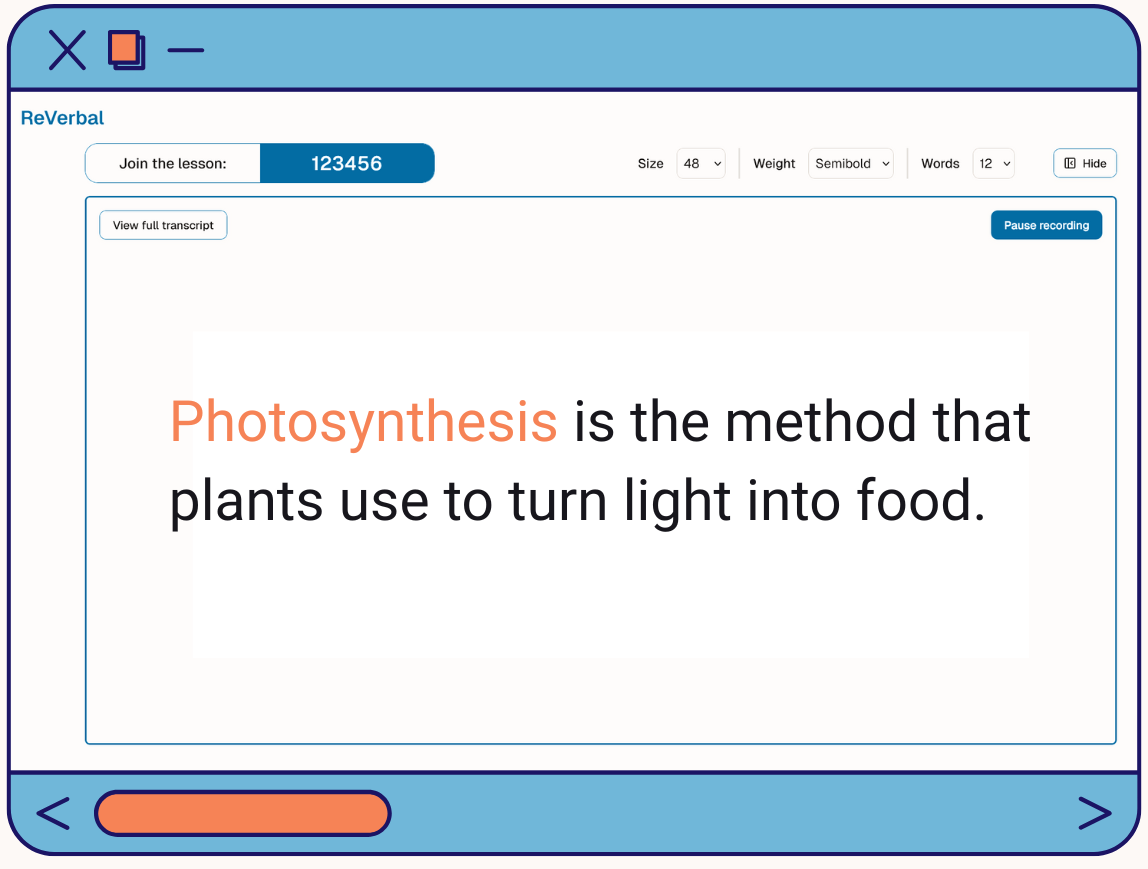
Live captions: key teaching language stays visible in the moment.
Minimal distraction: students follow the lesson, not a complex app flow.
Catch-up support: the transcript provides a second path back later.
ReVerbal lesson screen with live classroom caption controls
Teacher voice first

Better microphone setup improves caption reliability from the first class.

Setup and audio guidance

Make the first class calmer and more reliable.

Teacher-first microphone use: keep the mic close to the teacher voice.
Lapel mic recommended: especially in larger or noisier rooms.
Practical readiness: test one class before expanding the pilot.
Simple classroom flow: keep students on captions, not setup steps.

Teacher pilot path

Start with one teacher and one class.

Week 1: confirm device, internet, and microphone.
Week 2: run one normal lesson with the class code.
Review: check whether captions were useful and reliable enough to continue.

School review

Keep the review path separate and clear.

Capture scope: teacher-led instruction support only.
Storage posture: audio is processed, not stored by ReVerbal.
Published documentation: school privacy brief, privacy policy, DPA, AI transparency, and more.

Next step

Run a classroom-first trial.

Start with one class where spoken instruction is easy to miss, then review what changed.