
Classroom setup

Set up one class in practical steps.

Keep the first class simple: one teacher, one device setup, one lesson, and one quick check afterwards.

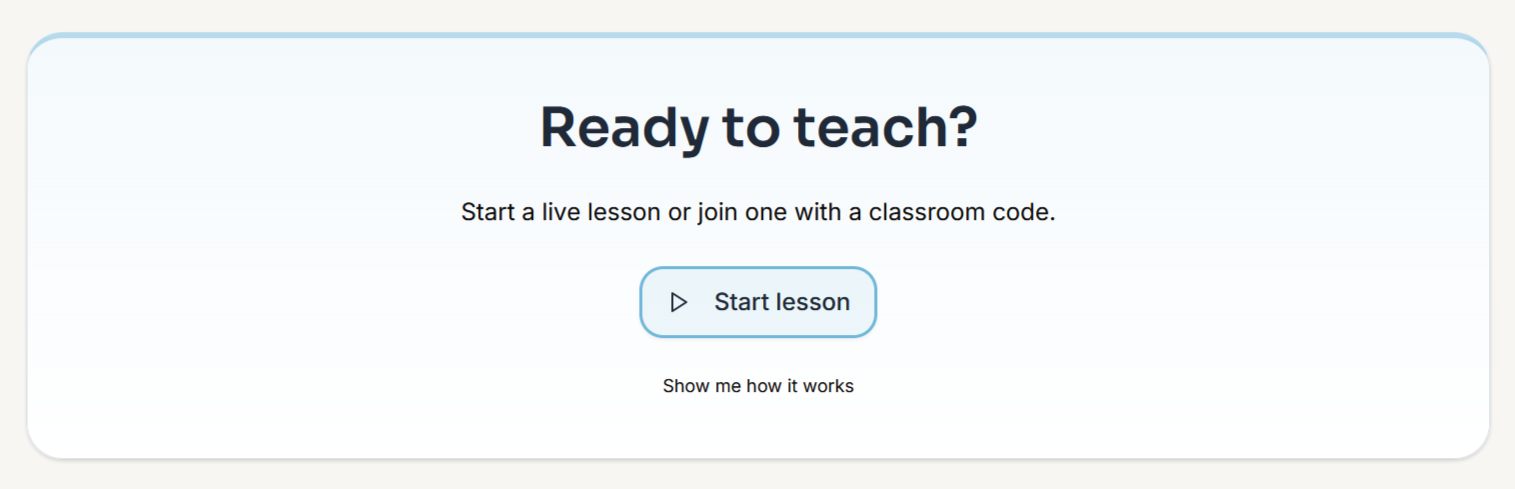
ReVerbal teacher start lesson screen
Start with the teacher flow

Make sure the teacher device, internet, and code-sharing step are ready before the class starts.

What a good first setup looks like

Keep the room setup calm.

Teacher device ready: stable internet and a clear lesson start point.
Mic close to the teacher: lapel mic where possible for cleaner captions.
Student access ready: shared display, devices, or both.
One normal lesson: no special teaching script needed.
1

Before class

  • Check the teacher device and internet.
  • Prepare a lapel mic if one is available.
  • Decide whether students will use a display, devices, or both.
2

Start the lesson

  • Launch the session and share the class code.
  • Teach as normal while captions appear live.
  • Keep the mic close to the teacher voice.
3

After the lesson

  • Check whether students could follow the live captions.
  • Confirm the transcript was available after class.
  • Decide what to adjust before the next lesson.

Microphone guidance

Teacher voice first.

Best option: a lapel mic clipped near the teacher voice.
Fallback: a laptop mic can work for early testing in a quiet room.
Avoid: relying on distant pickup in a noisy classroom.